
A departmental Profit & Loss each head can actually open
Works with Xero
Departmental reporting usually exists as a tab. Finance keeps a workbook with a sheet per department, rebuilds it after each month-end, and emails the relevant tab to each head — or, more often, a summary of it, because the workbook contains every other department too.
The result is that department heads manage against a number that is several weeks old and that they cannot interrogate. When they ask why a cost moved, the answer takes a finance person an afternoon.
Why departments are harder than they look
The data is already there; the permissions are not
If you tag transactions with a Department tracking category, Xero has everything needed to report by department. What it does not have is a way to let one head see only their own — Xero's roles cover the whole organisation.
Payroll is the reason nobody shares the real report
A department P&L with wages in it is one careless share away from salary information reaching people who should not have it. That single risk is why most finance teams send a cut-down summary instead.
Allocations start arguments
Recharge head office across departments and every conversation becomes about the allocation rather than the result. Leaving allocations out is usually the better management decision, even when it is the less complete one.
A spreadsheet cannot be drilled into
The follow-up question — which invoices make up that number — needs the ledger, which is exactly what the department head does not have.
Building it once
- 1
Tag by department in Xero
One tracking category with an option per department, applied to bills, invoices, bank transactions and the payroll journal. Xero allows two categories at once, so Department and, say, Region can coexist on the same transaction.
- 2
Design one layout for all of them
Sections and account codes, in the order you report: revenue, direct costs, gross margin, the department's own operating costs, then its result. One layout serves every department — the filter is what differs.
- 3
Decide where payroll sits
If wages belong in a head's accountability, include the account and scope the head to their own department so they see their team's cost and no one else's. If they do not, leave the account out of the layout entirely.
- 4
Give each head their own department
Scope them to their tracking option and grant the Profit & Loss permission on its own. They open the selected month and the year to date, with % of sales on every line. They never get a Xero or QuickBooks login, and they do not use up a seat in either.
- 5
Copy the layout to your other companies
A practice running this for several clients builds the layout once and copies it, then adjusts per client — the chart of accounts is rarely identical, but the structure usually is.
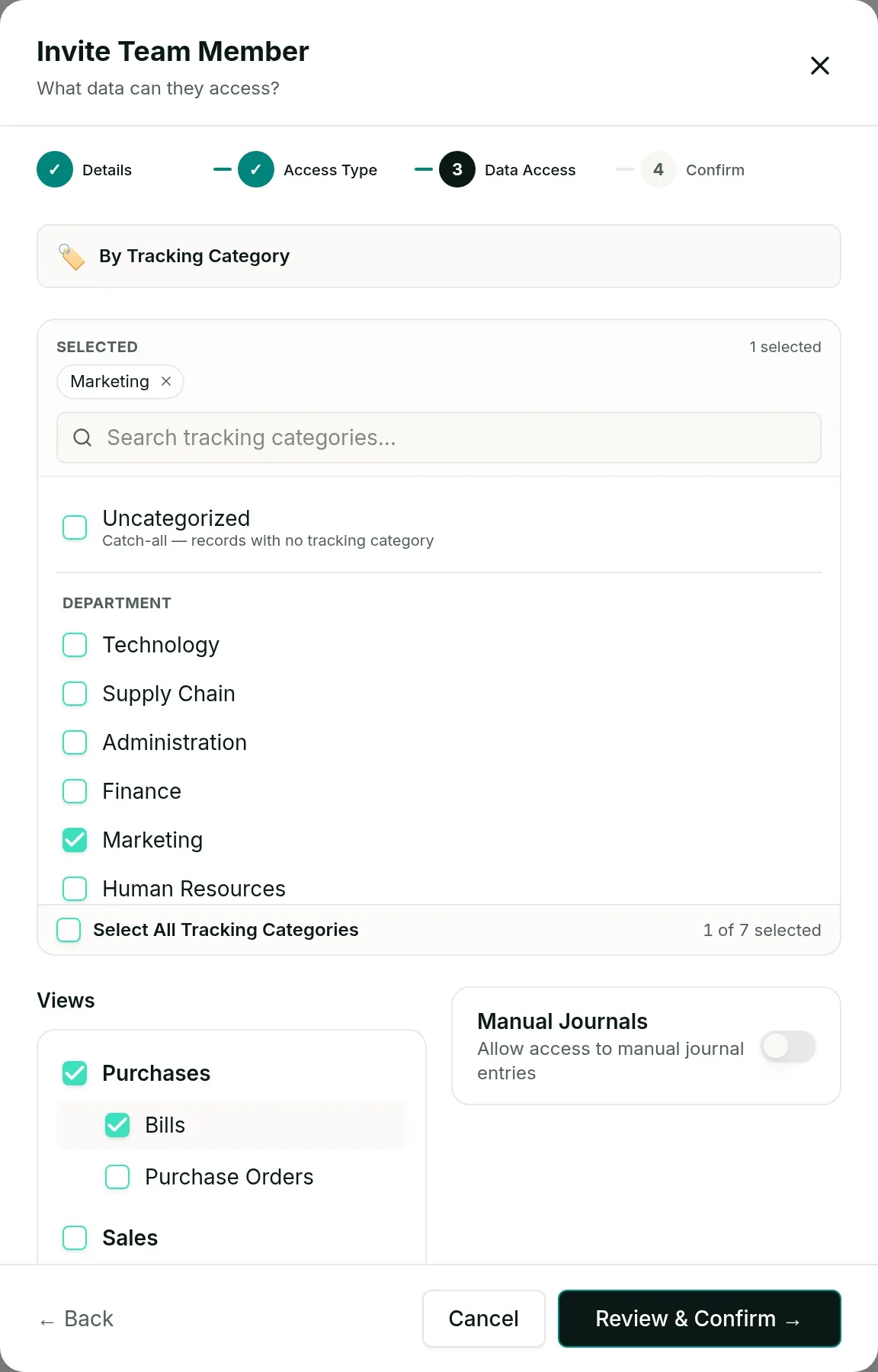
The practical test of a departmental P&L is whether the head reads it without being chased. That usually comes down to two things: it contains only lines they influence, and it is current enough to act on rather than a record of a month that has already gone.
The Profit & Loss by department report is built from Xero tracking categories, so it is Xero only today. QuickBooks support is planned.
Questions
No. They are scoped to their own tracking option and every figure on their report is calculated from records carrying it.
Yes, in two different ways. Leave the wages accounts out of the layout and nobody sees them on the report at all; or include them and scope each head to their own department, so they see their own team's cost and no one else's.
Tag the transaction at line level and each department sees only its own line's amount. A bill split across two departments is counted correctly in both reports.
You can scope a QuickBooks viewer to classes and locations today, and they will see sales and bills for their area. The Profit & Loss by department report is built from Xero tracking categories and is Xero only for now; QuickBooks support is planned.
See it on your own numbers
Accounting firms are billed per client company with unlimited users. Running a single business? The standard plans start with a free trial.